
Interactive qualitative analysisSee your themes come to life.
Themescape turns your coded qualitative data into a living, interactive display of themes, codes, and the quotes behind them, ready to explore, refine, and present.
Your data never leaves your computer. Everything runs in your browser, so your participants' words stay private and in your hands.
Why Themescape?You did the coding. Now let people see it.
Coding qualitative data is careful, patient work. When it is done, most researchers are left with a spreadsheet of codes or a static thematic map, and a document of quotes, with no interactive way to show how it all connects. Other analysis packages are expensive and hard to share, and a static table does not do your thinking justice.
Themescape is the missing layer. It reads the data you have already coded and renders it as an interactive map you can explore, question, and present.
Three ways to look
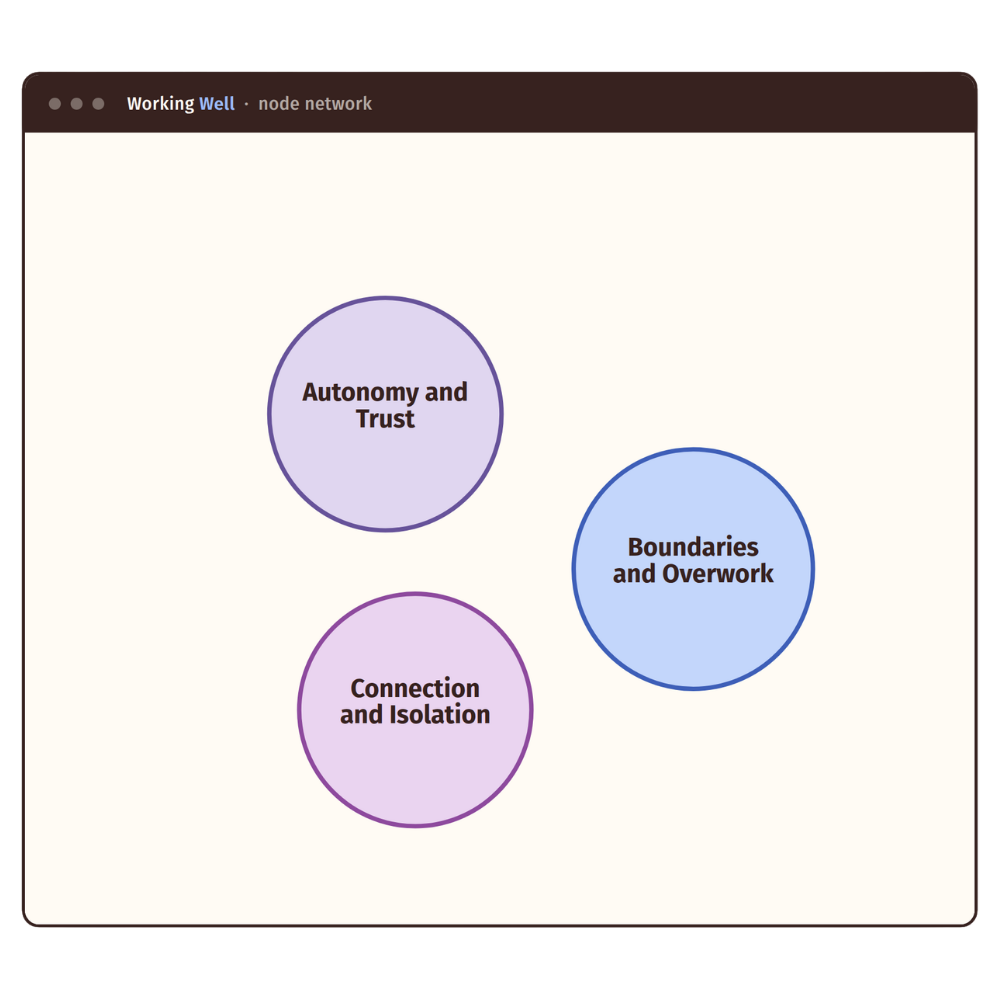
See your themes as a node network, an organisational hierarchy, or a file tree you open one level at a time. The same data, read whichever way suits the question.
Search across codes and quotes
Search across code and theme names, or across the text of the quotes themselves, to find the extract you half remember without scrolling through pages.
Definitions and quotes together
Select any theme or code to read its working definition, the participants behind it, and its illustrative quotes, with your preferred quotes marked and shown first.
A mode for working
Switch to Work mode to write and refine definitions, note how codes relate, and mark the quotes that speak best. Your edits export cleanly back to your spreadsheet.
A mode for presenting
Present mode trims each theme to its strongest quotes for a clean, calm display during a talk, a supervision, or a conference session.
Your own palette
Recolour themes, codes, and participants from a preset or your own palette, so the display matches your thesis, your slides, or your brand.
From a coded sheet to a live display in minutes.
There is nothing to install and no new skills to learn, beyond coding your data.
If you can export a CSV, you can use Themescape.
Code in the template
Work in the Themescape spreadsheet, a simple, structured Google Sheet with a tab for your data, your framework, and your participants. Code directly as you always would.
Load your file
Open the viewer and choose your exported CSV. It is read in your browser, on your machine, and never sent anywhere. A sample dataset is there to explore while you set up.
Explore and present
Move through your themes, refine your definitions, mark your best quotes, and switch to Present mode when it is time to show the work. Export anything you change.
Why Themescape?Confidential data stays where it belongs. With you.
Qualitative data is personal. Interview transcripts carry people's stories, and the promises you made to participants do not stop at analysis. Themescape is built so you never have to choose between a good display and a safe one.
The viewer runs entirely in your browser. When you load a file, it is read on your own computer and is never uploaded to a server, ours or anyone else's.
There is a live Google Sheets option for teaching and demonstrations, and it is deliberately kept as an opt-in for non-sensitive data only.
Our data pledge
Start on your own, or bring us in to set it up with you.
Every plan includes the spreadsheet template and access to the viewer and editor.
Simple plans for research budgets.
For the independent researcher who wants to get started today.
- The Themescape spreadsheet template
- Full access to the hosted viewer and editor
- All three views, search, and Present mode
- Export back to your spreadsheet, or to Word
- Updates and new presets while you subscribe
For researchers who would like a hand getting set up properly.
- Everything in Self-serve
- Guided sessions to structure your sheet
- Help configuring your views and palette
- Your framework set up with you, not for you
- A full year of access included
For teams, departments, and tailored deployments.
- Custom visualisations and layouts
- Schema extensions for your project
- Team or institutional deployment
- Your branding throughout
- Priority support
The things researchers ask first:
FAQS-
No. The viewer reads your file in your own browser, on your own computer. Your transcripts and quotes are never sent to a server. The only exception is the optional Google Sheets mode, which you choose to turn on and which we ask you to use for non-sensitive data only.
-
No. Themescape runs in any modern web browser. You log in, open the viewer, and load your file. There is nothing to download, update, or maintain.
-
No. You code in the Themescape spreadsheet template, which is an ordinary Google Sheet organised into clear tabs. You work the way you already do, and the viewer reads the result.
-
Yes. Themescape was created for exactly this. It helps you develop your themes as you go, and it gives you a clear way to show your analysis in supervisions, your viva, and any presentations that follow.
-
It does something different. Those tools are for coding. Themescape is for seeing and sharing what you have coded. Many researchers code elsewhere, or by hand, and use Themescape to bring the results to life.
-
Your data was always yours and always on your machine, so nothing of yours is lost. You keep every CSV and export you have made. You simply lose access to the hosted viewer and editor until you subscribe again.
Give your analysis a shape people remember.
Try the live demo with sample data, then bring your own when you are ready.